
Getting Started
Simple. Powerful. Reactive web apps in pure Python — no JavaScript, no extra tools.
This guide will get you from zero ➝ running app ➝ understanding structure in a few minutes.
1. Install Duck
Install recent stable version from PyPi:
pip install duckframework
Or, the latest version from Github:
pip install git+https://github.com/duckframework/duck.git
2. Create Your First Project
duck makeproject myproject
cd myproject
3. Run the Server
Run from command:
duck runserver
Or, run from a flexible python file:
python web/main.py
Open your browser:
http://localhost:8000
🎉 Your Duck app is now running.
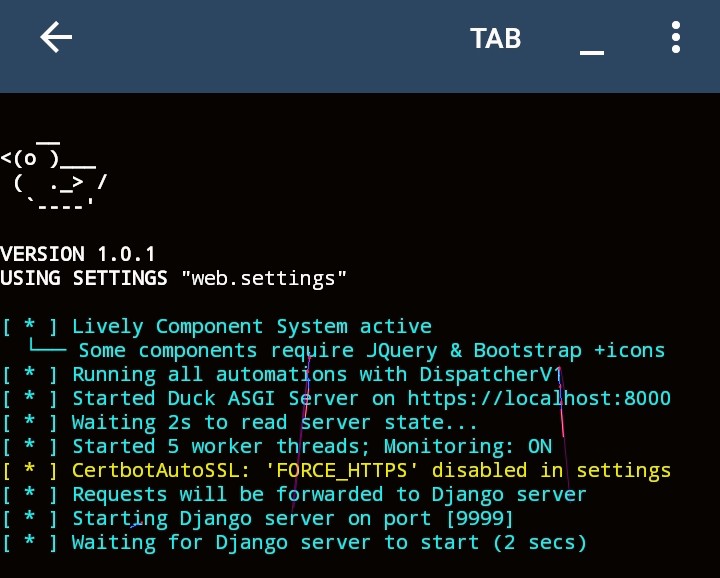
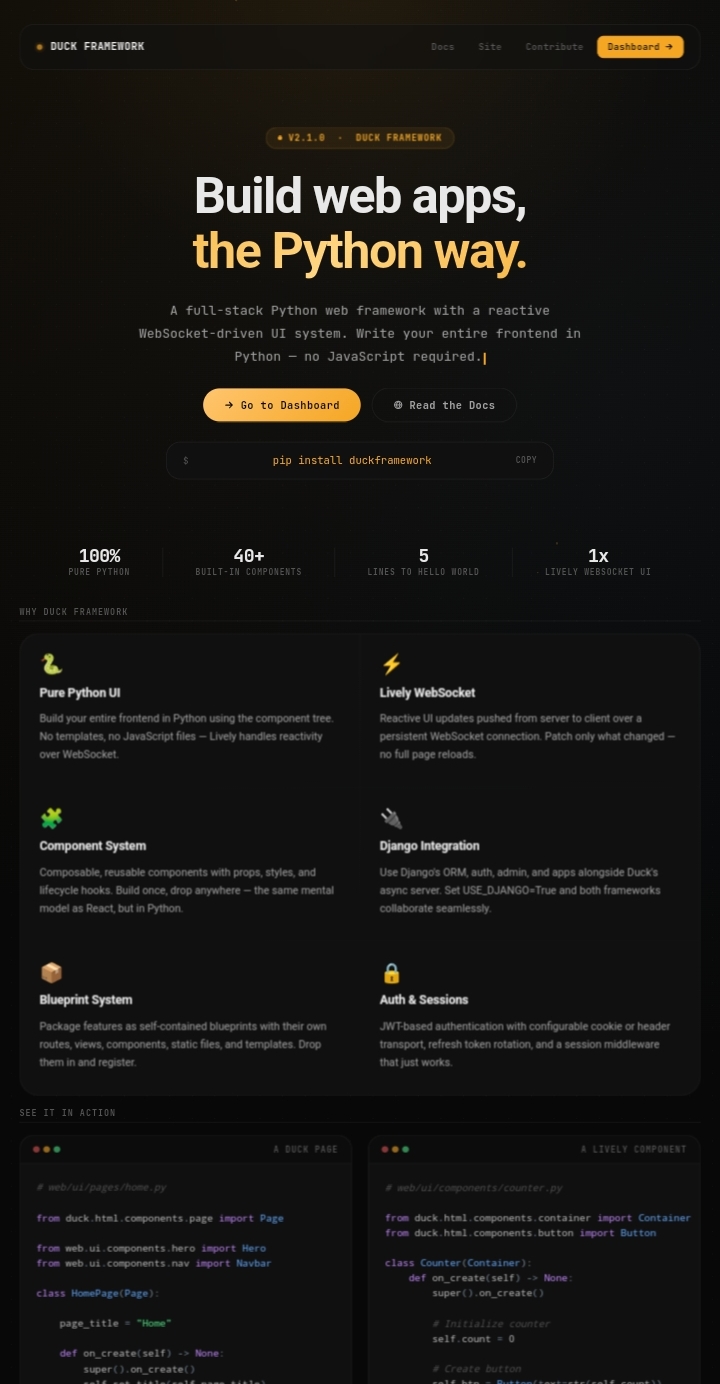
Preview
Terminal:
Browser:
4. Understand the Project Structure
Duck keeps things organized but simple. The most important files are:
web/
 ├── main.py
 ├── urls.py
 └── views.py
Let’s break them down 👇
web/main.py ➝ Entry Point (starts your app)
#!/usr/bin/env python
"""
Main py script for application creation and execution.
"""

from duck.app import App

app = App(port=8000, addr="0.0.0.0", domain="localhost")

if __name__ == "__main__":
    app.run()
What it does:
Creates your Duck application (
App)Configures server settings (port, address, domain)
Starts the server with
app.run()
👉 Think of this as: “booting up your backend”
web/urls.py ➝ URL Routing (maps URLs to logic)
Example:
from duck.urls import path
from . import views

urlpatterns = [
    path("/", views.home),
]
What it does:
Defines which URL calls which function
Connects user requests ➝ your code
👉 Example:
Visiting
/➝ callsviews.home
web/views.py ➝ Logic (what your app does)
Example:
def home():
    return "Hello, Duck 🦆"
What it does:
Contains your business logic
Returns responses (text, JSON, HTML, etc.)
👉 This is where you build your app behavior
How Everything Connects
When a user visits your app:
Duck server starts (
main.py)Request comes in (e.g.
/)urls.pydecides which function to callviews.pyruns the logicResponse is returned to the browser
👉 That’s the full request flow.
Run Built-in Tests
duck runtests
Use verbose mode if needed:
duck runtests -v
Requirements
Python 3.10+
What Makes Duck Different?
With most frameworks, you need extra tools like:
Reverse proxy (NGINX)
App server (Gunicorn)
SSL setup
👉 Duck handles these out of the box.
Final Thought
Duck is designed to be:
Simple to start 🧠
Powerful to scale ⚡
Flexible to control 🧩
Start small. Explore the files. Build something real.
Welcome to Duck.